Bus tracking — how it works
Every picture below is the real screen. Follow the steps in order.
- 1
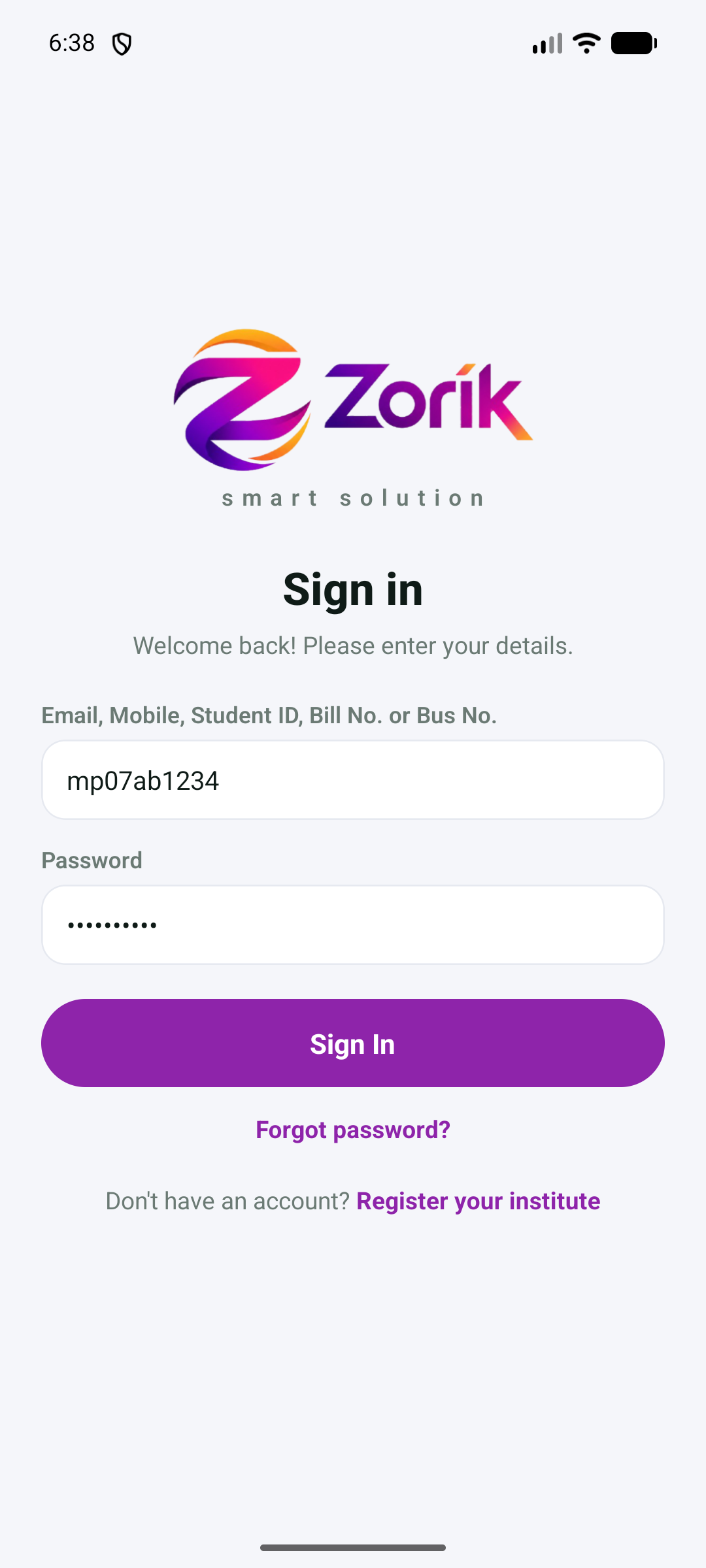
Sign in with the bus number and your mobile
Install Zorik from the Play Store and open it. In the first box type the bus number (small or capital letters, with or without spaces), and in the password box your mobile number. Press Sign In.
- 2
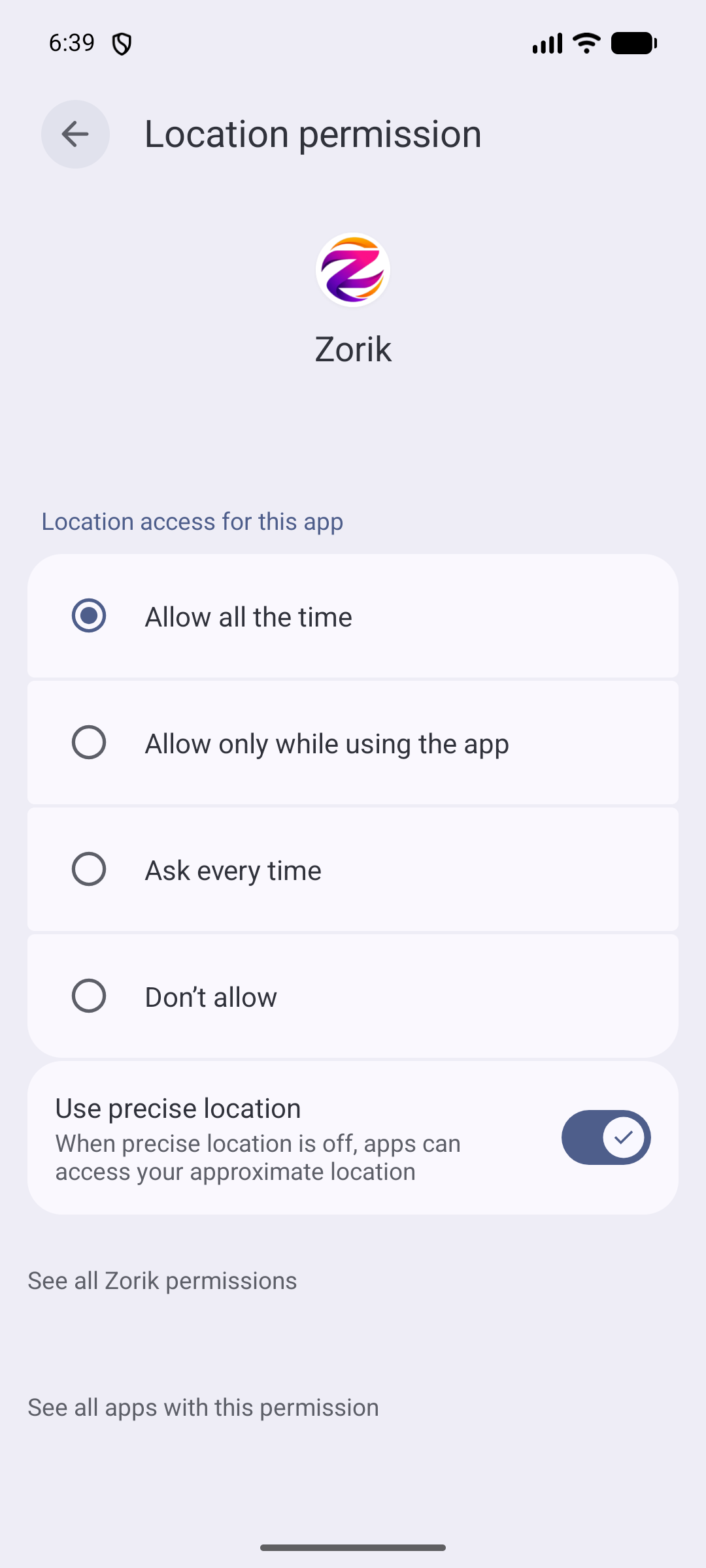
Allow location — “Allow all the time”
The phone asks for location. First choose While using the app; the phone then opens the page shown here — choose Allow all the time and press the back arrow. This is what lets the phone send the bus's place with the app closed.
- 3
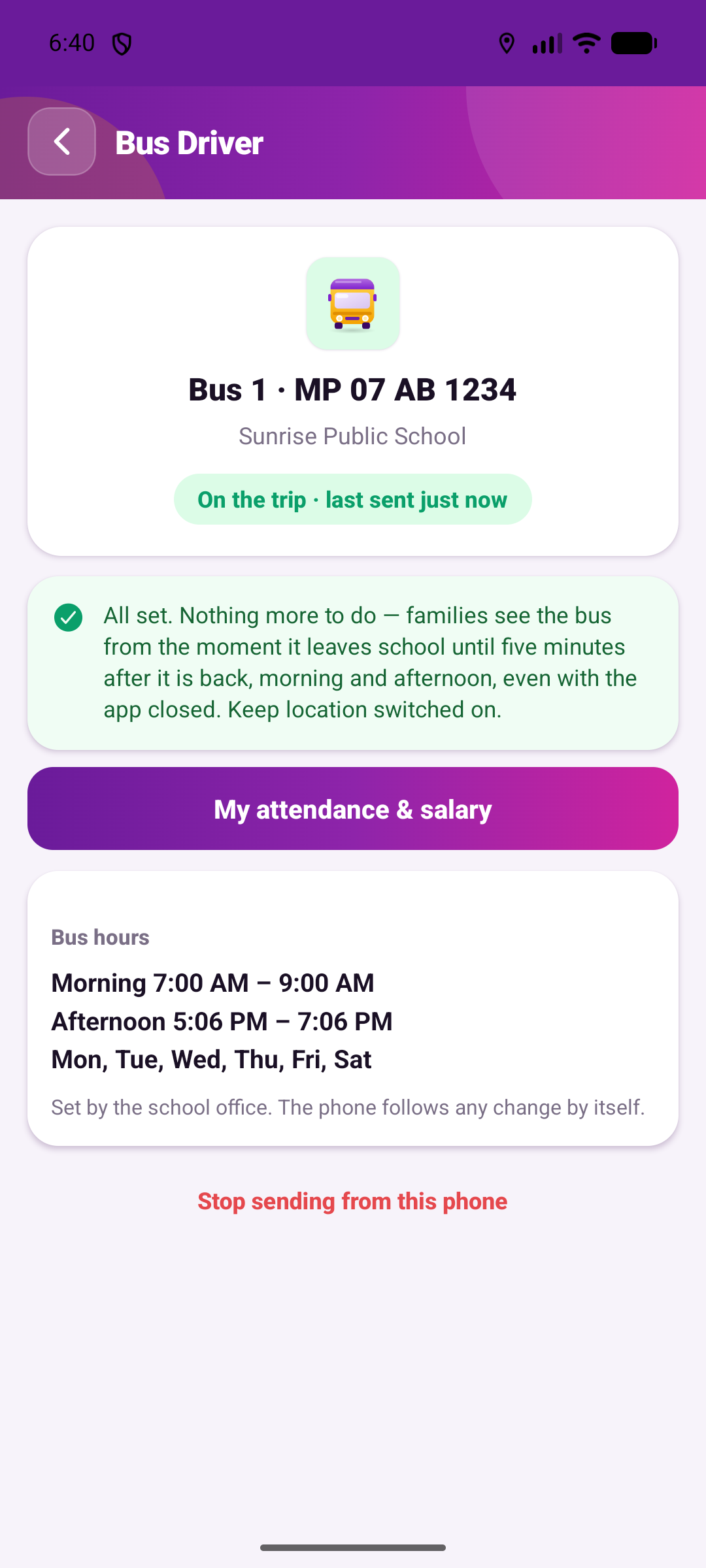
That is all — nothing else to do, ever
The screen shows your bus and its hours. Every school day the phone sends the bus's place by itself; families see it only from the moment the bus leaves school until five minutes after it is back. You do not have to open the app again. There are no stops to set and nothing to press: a day off, a holiday, or driving another bus for a day is set by the school office, and your screen simply says so. If the phone is switched off and on, open Zorik once.